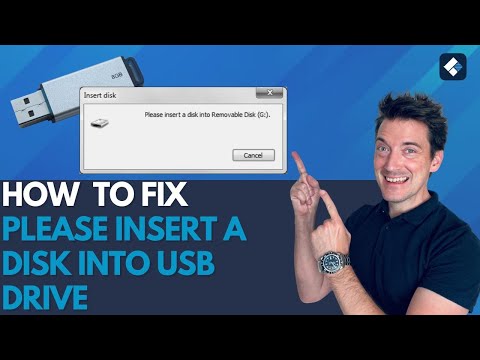
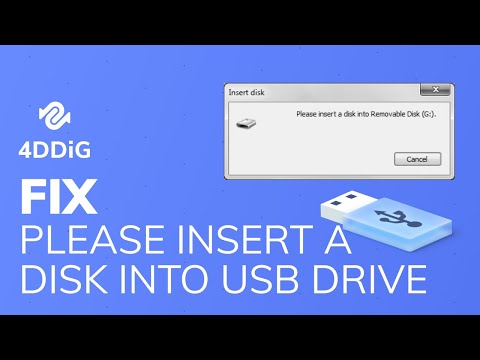
Tip: How to Recover Lost Data After Fixing the Error with 4DDiG: Struggling with the "Please Insert a Disk into USB Drive" error? In this video, we'll walk you through seven proven methods to fix this frustrating issue, along with a bonus tip on recovering lost data using 4DDiG Data Recovery. #USBdrive #error #fix 📌Timestamps: 00:00 Intro 00:34 Method 1: Check the USB Port and Connection 00:53 Method 2: Assign a New Drive Letter 01:31 Method 3: Scan Hardware Changes 01:54 Method 4: Update Driver 02:10 Method 5: Fix Inaccessible USB Drive Using Diskpart 03:04 Method 6: Delete Partition and Create a New One 03:46 Method 7: Format the USB Drive 04:21 Tip: How to Recover Lost Data After Fixing the Error 📎Related Article: **🌟 Why 4DDiG?** • **Deep Scan:** Recovers documents, photos, videos, and more. • **User-Friendly:** No technical skills needed. • **Free Preview:** Verify files before recovery. 🔧 7 Fixes to Resolve USB Disk Error:** 1️⃣ **Check USB Port & Cable** → Swap ports/cables to rule out hardware issues. 2️⃣ **Change Drive Letter in Disk Management** → Resolve conflicts by assigning a unique letter via **Windows + X - Disk Management - Change Drive Letter**. 3️⃣ **Scan for Hardware Changes** → Refresh USB detection via **Device Manager - Universal Serial Bus Controllers - Scan for hardware changes**. 4️⃣ **Update/Reinstall USB Drivers** → Fix corrupted drivers using **Device Manager - Update Driver** or reinstall USB controllers. 5️⃣ **Repair with Diskpart Commands** → Use **Command Prompt** to clean, format, and rebuild partitions (`diskpart - clean - create partition primary`). 6️⃣ **Delete & Recreate Partitions** → Wipe damaged partitions via **Disk Management - Delete Volume - New Simple Volume**. 7️⃣ **Format the USB Drive** → Last-resort fix (**FAT32/NTFS**) to restore functionality. #USBDiskError #FixCorruptedUSB #DataRecovery #4DDiG #WindowsFixes #Diskpart #DriveLetterConflict #TechTips #USBRepair -------------------------------------------- Follow Us ---------------------------------------- Facebook: Twitter: Quora Space: Pinterest: Instagram: Subscribe to our YouTube channel and there are more tech tips and tricks for you.
- 33830Просмотров
- 11 месяцев назадОпубликованоTenorshare 4DDiG Data Recovery
[7 Ways] How to Fix Please Insert a Disk into USB Drive? FIXED!
Похожее видео




Популярное
Новини